
AI post composer
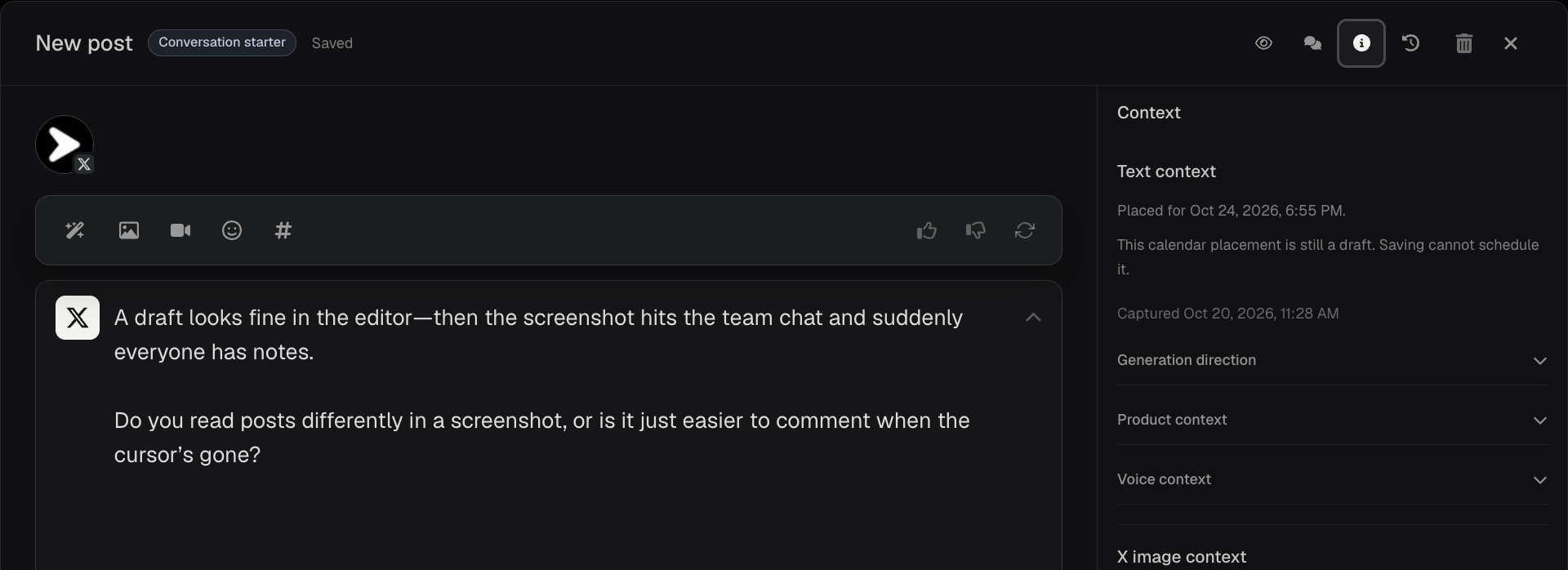
Generate social media drafts, inspect the brand context behind them, and edit or preview each channel’s version in Postede’s AI post composer.
What you can do
AI drafting and editing
Turn a brief idea into a first draft. Edit it yourself or ask AI to refine the wording.
Generation context
Check the saved instructions, product details, and voice used for a draft when that context is available.
Channel-specific editing
Tailor the copy and media for each destination and preview how each version will look before publishing.
Images and media
Attach existing media or use brand references to guide a new AI-generated image.
Comments and history
Review feedback beside the post and restore earlier draft text when available.
Write one update for two channels
- Start a draft about a new CSV export and select X and LinkedIn if both are connected.
- Generate a first pass. In Context, check the saved direction and product details before you describe how the export works.
- Edit the X version into a short announcement. Use the LinkedIn version to explain how the export helps with reporting, then preview both before scheduling.