Postede is an AI social media management tool that turns your product context and brand voice into drafts you can review, schedule, and publish. Plan content, tailor posts for each channel, and track performance in one workspace.
Brand
Give Postede the facts, voice, and visuals it needs to create posts for your brand.
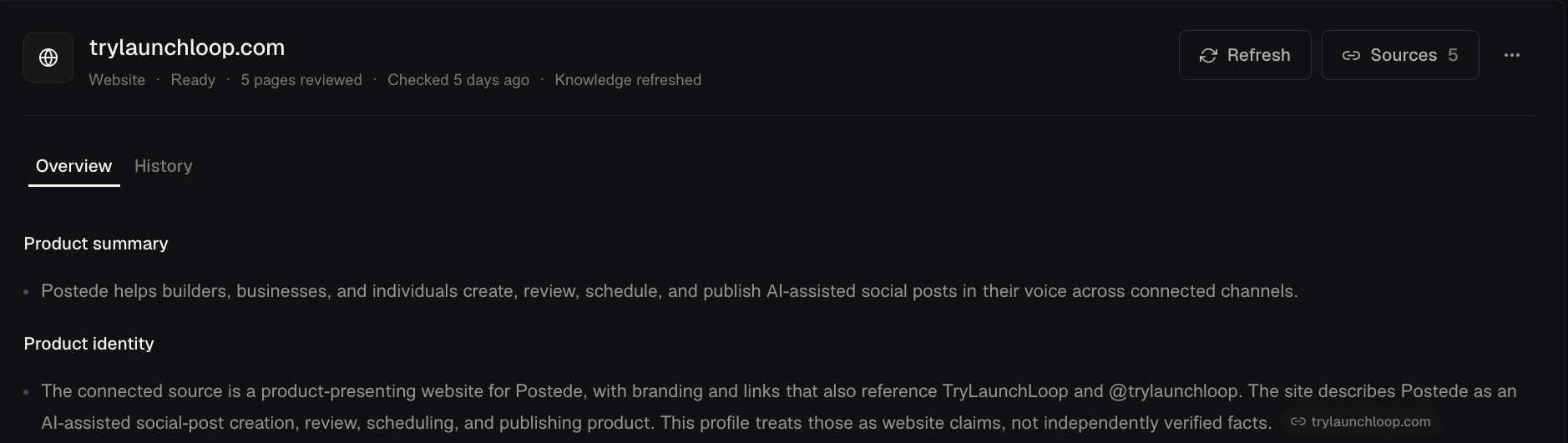
Identity. Keep your website, logo, and business overview together so you have the right brand details at hand for each project.
Product context. Review what Postede learns from your website and optional GitHub sources so drafts can reference real features and updates without you re-explaining your product each time.
Voice. Preview writing examples and choose a voice for each supported connection type so drafts sound more like you from the start.
Assets. Save logos, photos, and reference images in one place so you can reuse them across posts and guide AI-generated visuals.
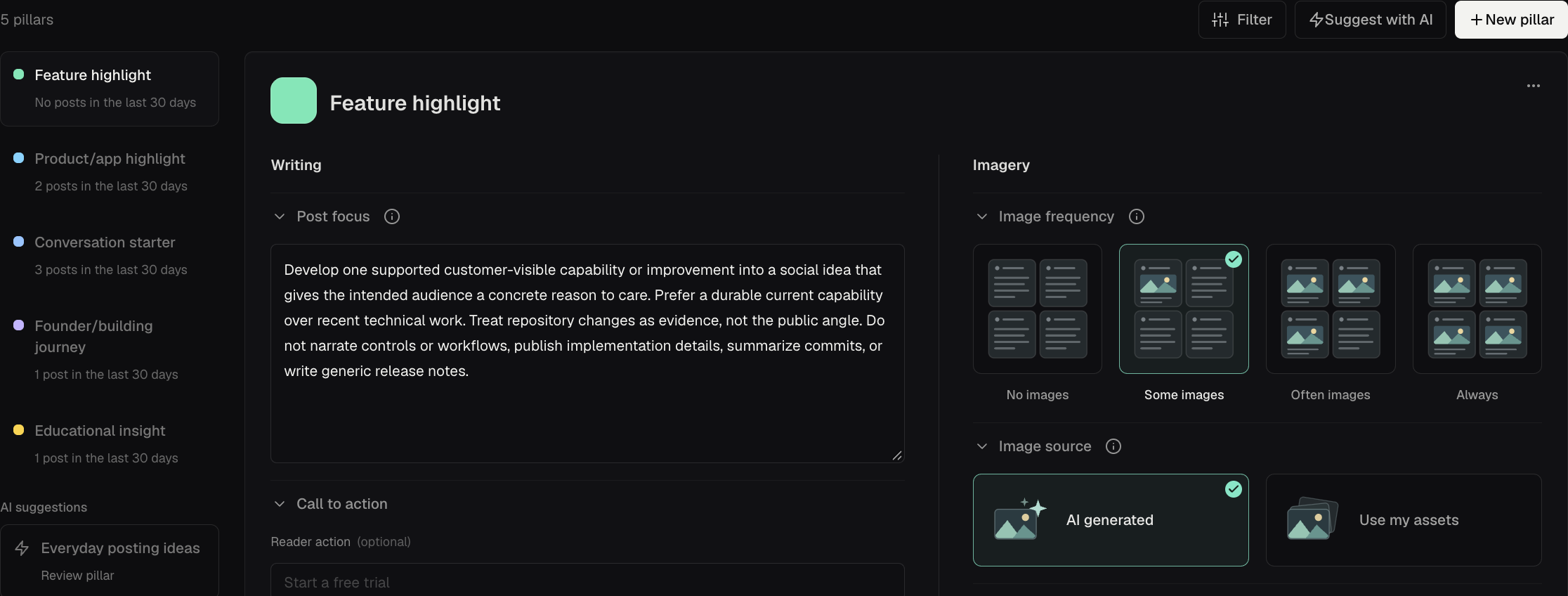
Build a repeatable social media content plan with pillars and writing rules.
Content pillars. Give recurring topics their own writing and imagery direction so you know what to post about when you plan the week.
Writing rules. Set project-wide or channel-specific do’s and don’ts so drafts follow the same standards without repeating instructions on every post.
Schedule
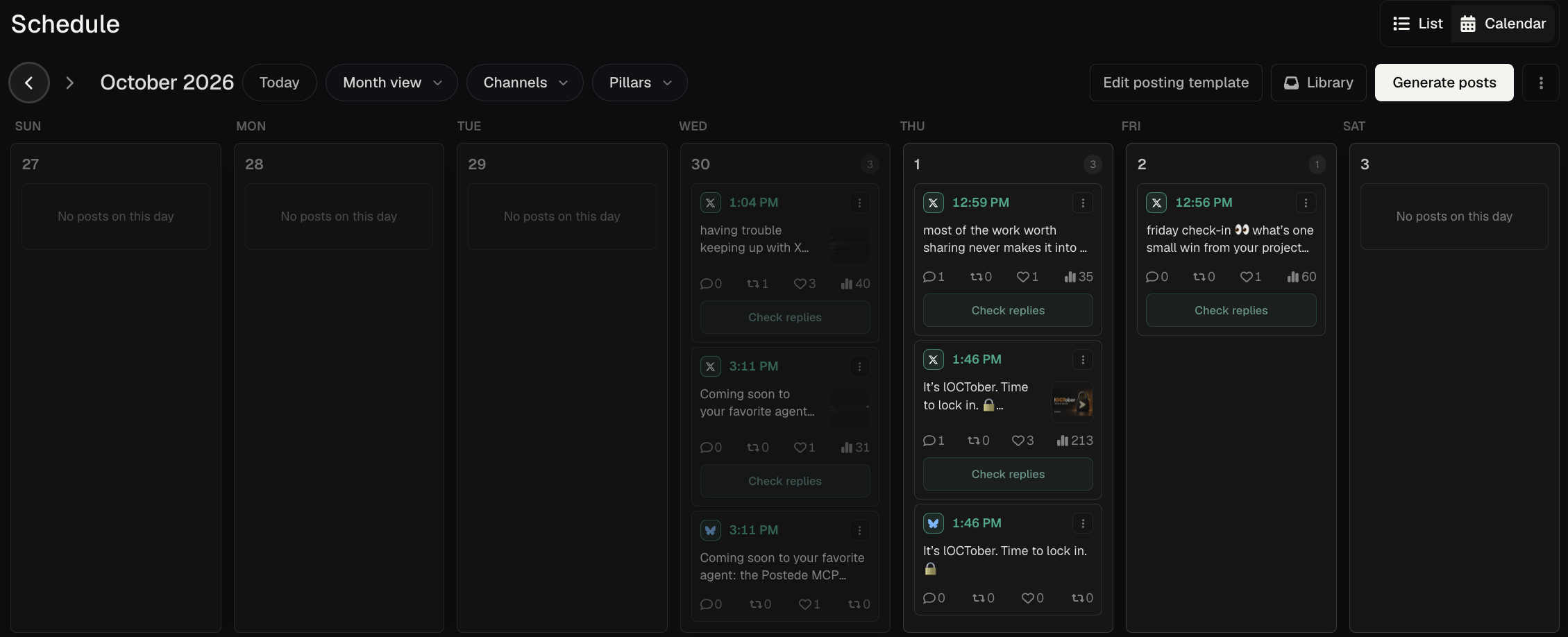
Plan, review, and publish social media posts from a shared calendar.
Calendar and list views. See drafts, scheduled posts, and published posts together. Filter by channel or pillar to find gaps and open posts that need review.
Posting windows. Set recurring slots by channel and fill them with existing or generated drafts so you can plan the week without picking every time by hand.
Publishing. Publish now or schedule ahead on supported connections so you can plan around your audience and your workday. Use the manual workflow for channels that require it.
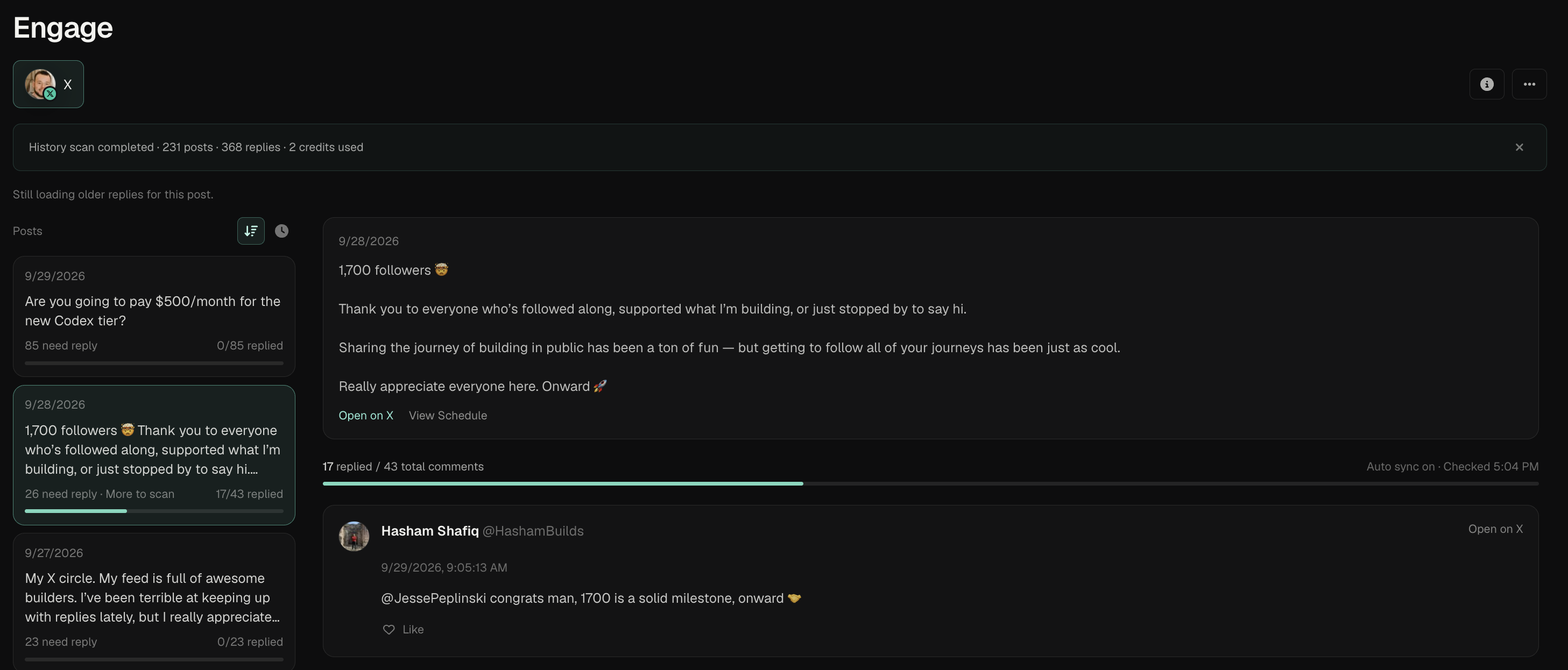
Unanswered replies. Find X posts with replies you haven’t answered so you know which conversations to pick up first.
Conversation view. Read the X thread and reply from Postede so you can respond with the full conversation in view.
Analytics
See what your content is doing after it goes live.
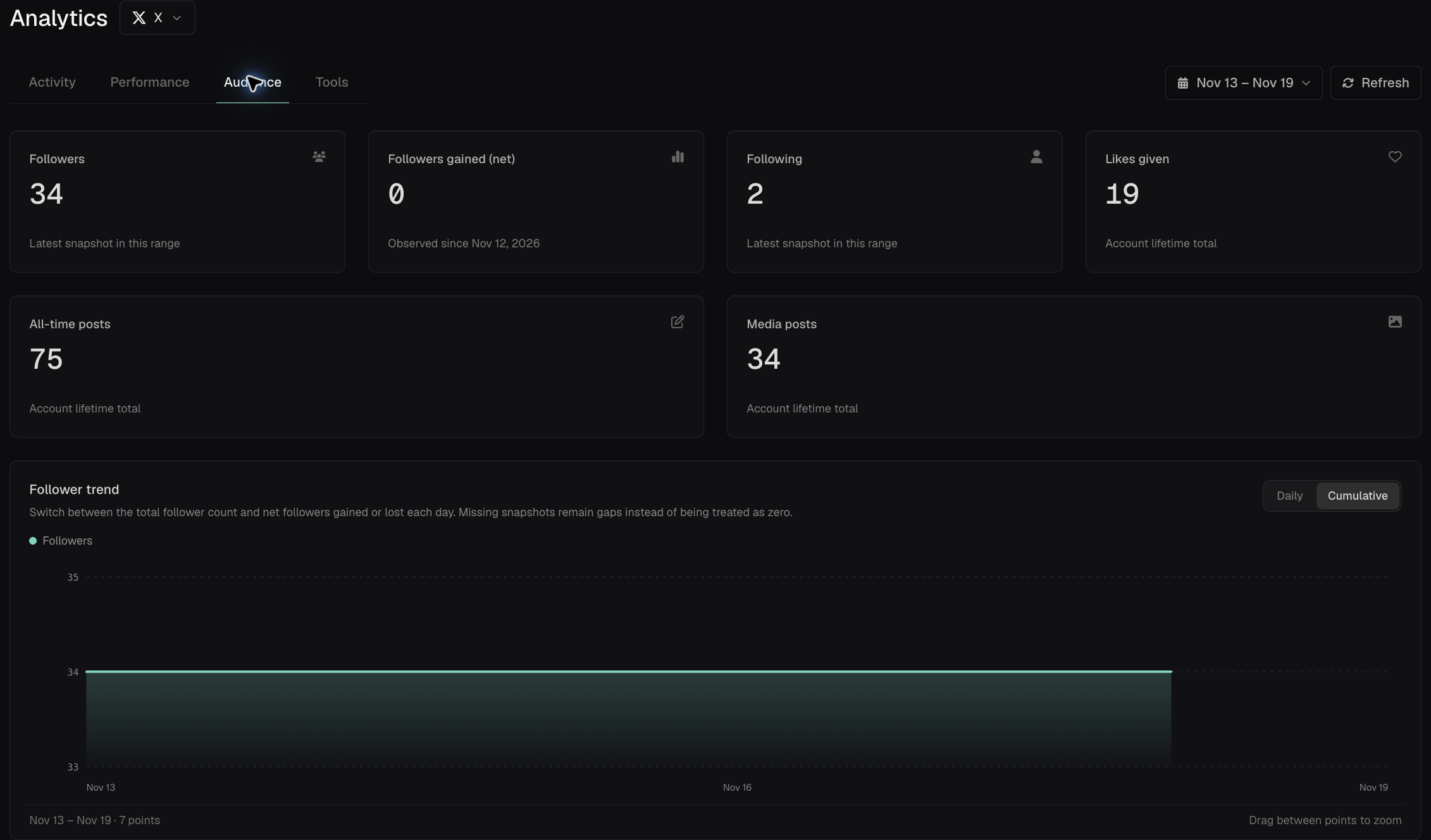
Post performance. Compare available views and interactions across published posts so you can decide which topics or formats to revisit.
Audience trends. Compare follower counts and activity over time to see how your audience responds when you change what or how often you post. Available metrics depend on the channel.
Achievements
Track progress as you set up your workspace and build a publishing routine.
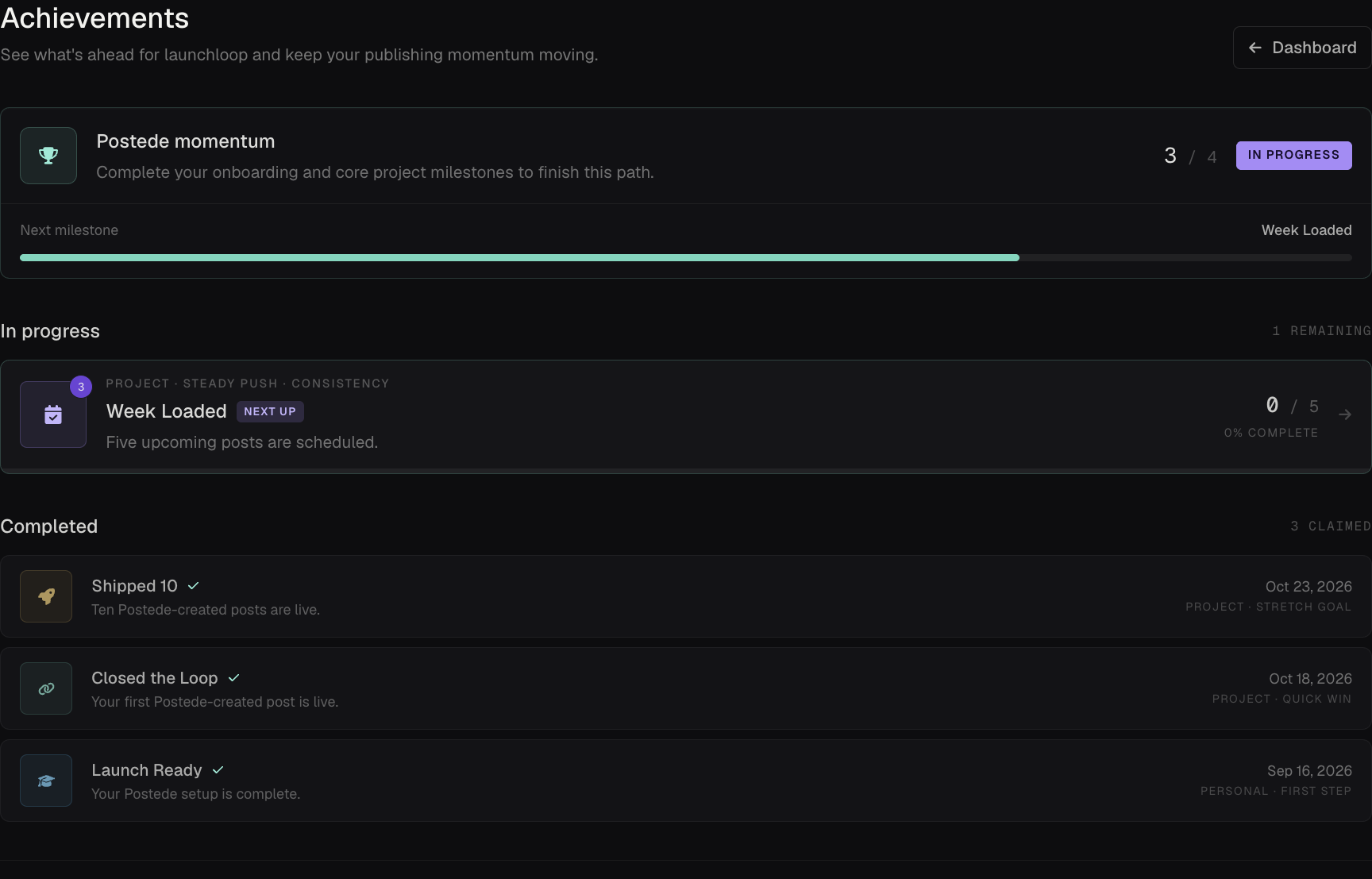
Publishing milestones. Track progress from setup through your first ten published posts so you always have a concrete goal to work toward.
Credit rewards. Earn credits from eligible achievements and put them toward future AI tasks in Postede.
Post composer
Create and edit social posts with AI, see what informed a draft, and review how each version will look before publishing.
AI post generation and editing. Turn an idea into a first draft, then refine it with AI or edit it yourself so you can spend more time on the message and less time starting from scratch.
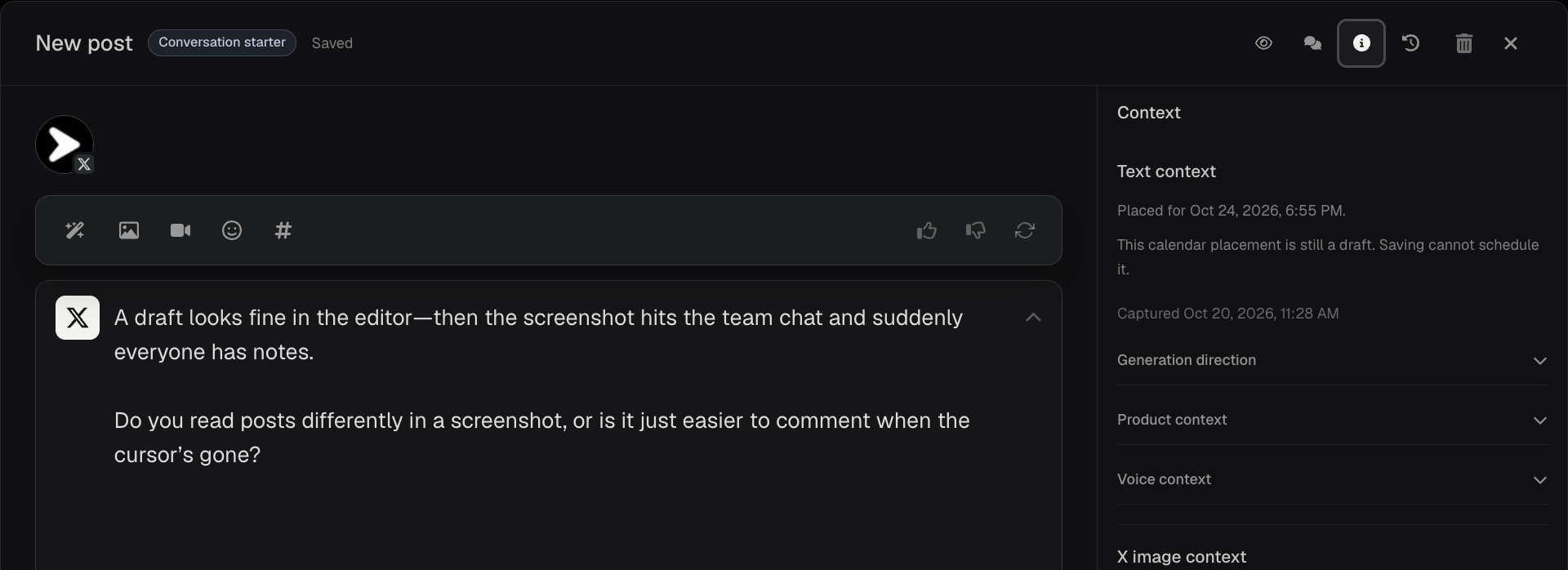
Generation context. See the saved generation direction, product context, and voice context when available so you can check what informed an AI draft before publishing.
Images and media. Attach existing media or generate an image using brand references so you can give a post an on-brand visual without sourcing a new asset from scratch.
Channel-specific edits and previews. Start with one shared draft and tailor the copy and media for each destination. Preview each version so you can catch formatting issues before it goes live.
Comments and history. Review team feedback beside the post and trace what changed. Restore earlier draft text where available so useful edits are easier to recover.