
Use a featured person in your Postede images
Save a portrait in Postede, add an optional full-body photo, and choose when AI-generated post images should use those references.

Save the photos in Brand
If a founder or teammate regularly appears in your posts, you can save their photos once and reuse them when you generate images.
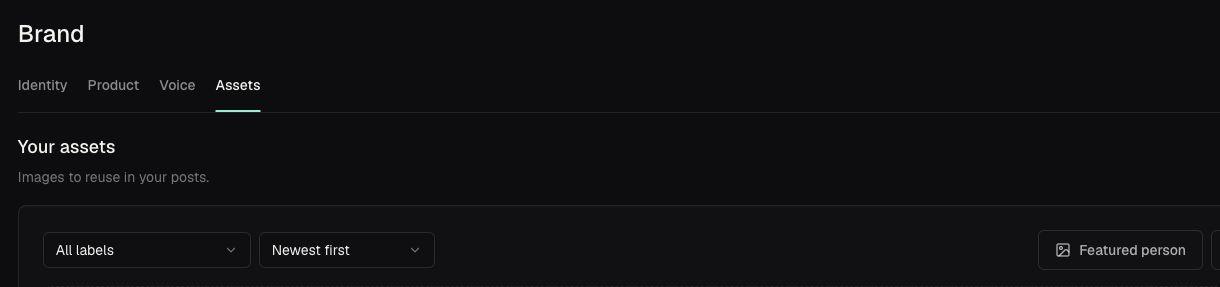
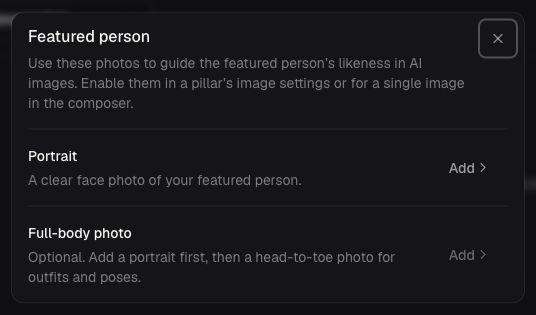
Go to Brand → Assets and open Featured person. Start with a clear portrait as the likeness reference. You can also add a full-body photo of the same person to give Postede more context for clothing, proportions, or pose.
Choose which content types use the photos
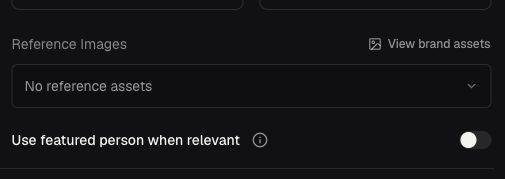
In a content type’s AI image settings, turn on Use featured person when relevant. For example, you might enable it for founder updates and leave it off for product tips.
When the setting is on, Postede can use the portrait if the post or image direction calls for that person. The full-body photo can also be used when it fits the scene.
Make the call for an individual image
When you generate an image in the composer, Include featured person starts with the content type’s default. You can turn it on or off for that image. If you need more context for the shot, select Use full-body photo as context.
Try it on a founder update where a photo makes sense. Review the generated image before scheduling the post.
