More control over your post images
Brand and Content just got a refresh. Keep your images together, and give each content type its own look.

Posted by The Dev Dad
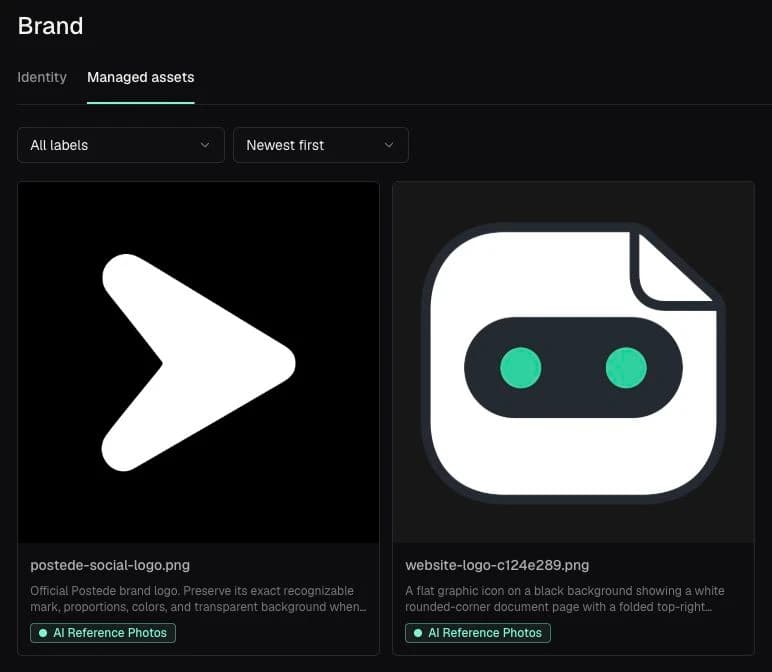
Your images live in Brand
Meet managed assets: upload your images, add descriptions, and organize them with labels. Everything stays in one place, ready to reuse.
A look for every content type
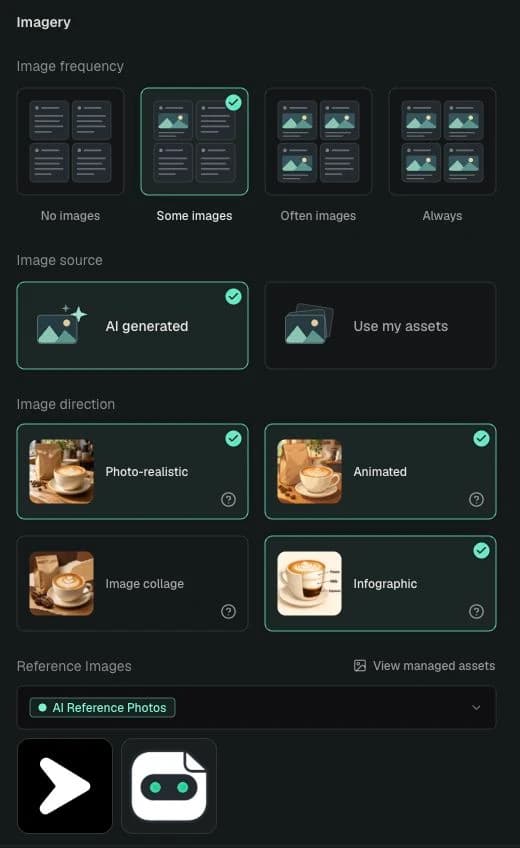
Each content type now has its own image preferences. Choose how often images appear, use AI or your own assets, and pick the styles or asset labels that fit.
Choose labels under Reference Images to guide AI images with your own managed assets.